

Pianola Is a Web Application
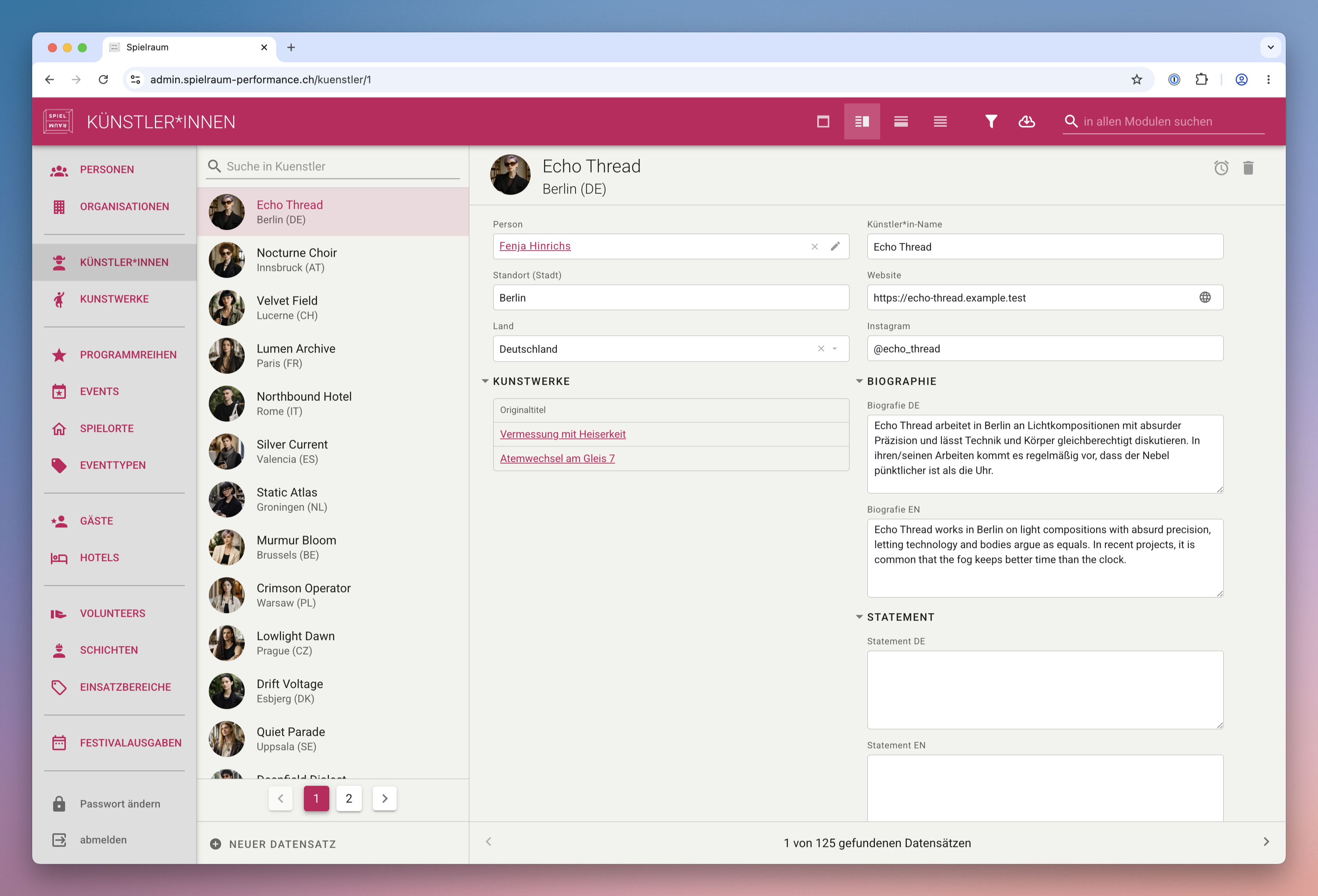
Pianola runs in a modern web browser and does not require desktop software to be installed on each user's computer.
Users open Pianola through a secure web address, sign in, and work with the application online. Access, updates, and permissions are handled centrally.
Installation and Updates
Pianola is made available through the agreed hosting environment rather than through a workstation-by-workstation installation process.
Updates are also centralised. Once a new version has been deployed, updating Pianola is as simple as refreshing the browser.
Pianola is intended for modern, up-to-date browsers rather than old or unsupported browser versions.
Accounts and Permissions
Opening Pianola in a browser does not mean that access is open. Users sign in with an account, and permissions control what each person is allowed to see or do.
Two-factor authentication can also be enabled when the project requires an additional layer of login security. See here for more detail about the setup flow.
Depending on the hosting setup, access to a Pianola application can be limited to a protected network or another controlled access model. The next section covers these options in more detail.